How to setup Local Delivery Options for your customers:
1. Login to the Admin, then go to your Cart: Admin > Cart >
2. in Cart, choose Admin > Configuration > then select Shipping tab
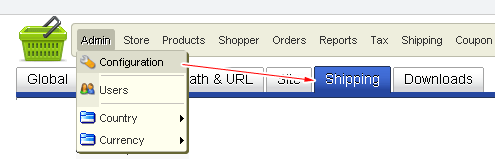
3. check the “Local Delivery: uses a configurable list of pickup locations and costs.” option
4. save
5. go to Store> Shipping Module List
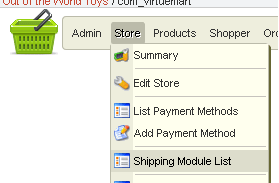
6. click “Configure Ship Method” for Local Delivery

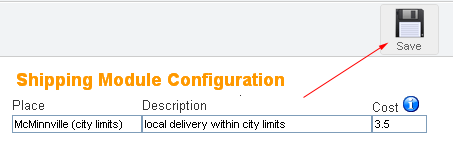
7. enter details, then click save (you can add multiple local delivery options)
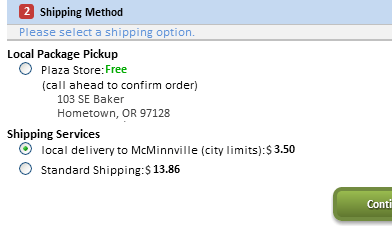
During checkout, the user will see your local delivery option(s) under the shipping method :
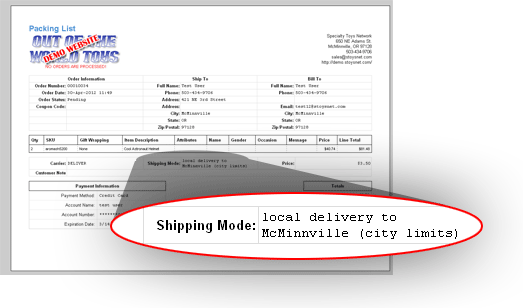
… as well as on their purchase receipt: